Craftznake
Macbook Configuration
May 9, 2024
This is still my primary development machine. I run a heavily customized but stable macOS setup designed for long coding sessions and predictable behavior.
The Input Stack
My rule is simple: keep my hands on the home row as much as possible. The default macOS keybindings are not enough for that, so I rely on Karabiner-Elements with a Hyper key layout.
The center of this setup is the Hyper Key (Caps Lock as Cmd+Shift+Opt+Ctrl). Window movement and app switching are mapped to Vim-style motions so navigation stays consistent with my editor habits.
Window Management
I now use Aerospace as my tiling window manager. Workspaces are app-scoped by default, and the keybindings stay close to the same Vim-style movement model.
- Hardware 14" MacBook Pro, M-Series, 16GB RAM
- Window Manageraerospace configuration
- Terminalwezterm configuration
- Key Remappingkarabiner-elements
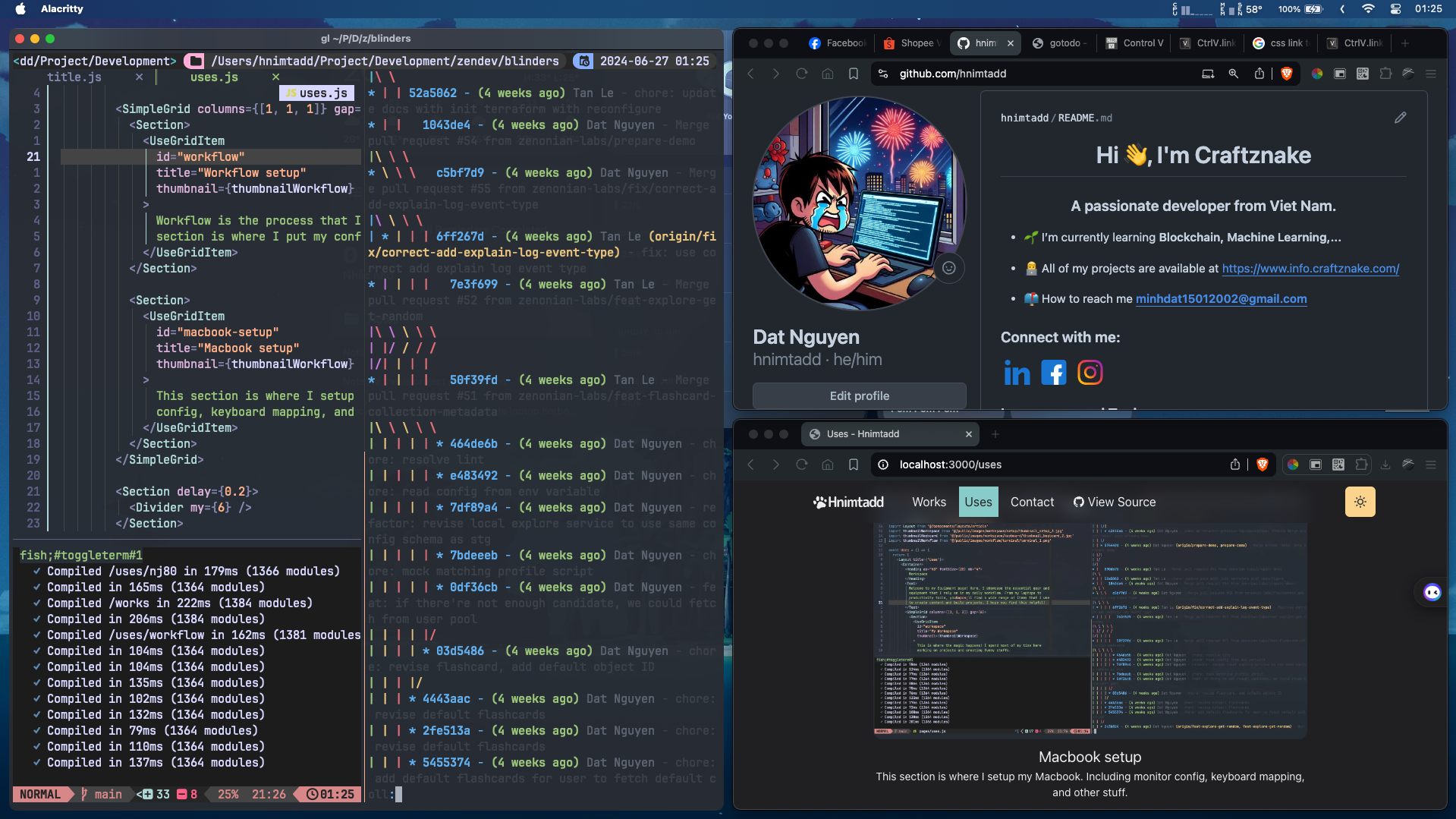
Current environment: Aerospace + Karabiner + WezTerm
Macbook Configuration
May 9, 2024
This is still my primary development machine. I run a heavily customized but stable macOS setup designed for long coding sessions and predictable behavior.
The Input Stack
My rule is simple: keep my hands on the home row as much as possible. The default macOS keybindings are not enough for that, so I rely on Karabiner-Elements with a Hyper key layout.
The center of this setup is the Hyper Key (Caps Lock as Cmd+Shift+Opt+Ctrl). Window movement and app switching are mapped to Vim-style motions so navigation stays consistent with my editor habits.
Window Management
I now use Aerospace as my tiling window manager. Workspaces are app-scoped by default, and the keybindings stay close to the same Vim-style movement model.
- Hardware 14" MacBook Pro, M-Series, 16GB RAM
- Window Manageraerospace configuration
- Terminalwezterm configuration
- Key Remappingkarabiner-elements
Current environment: Aerospace + Karabiner + WezTerm